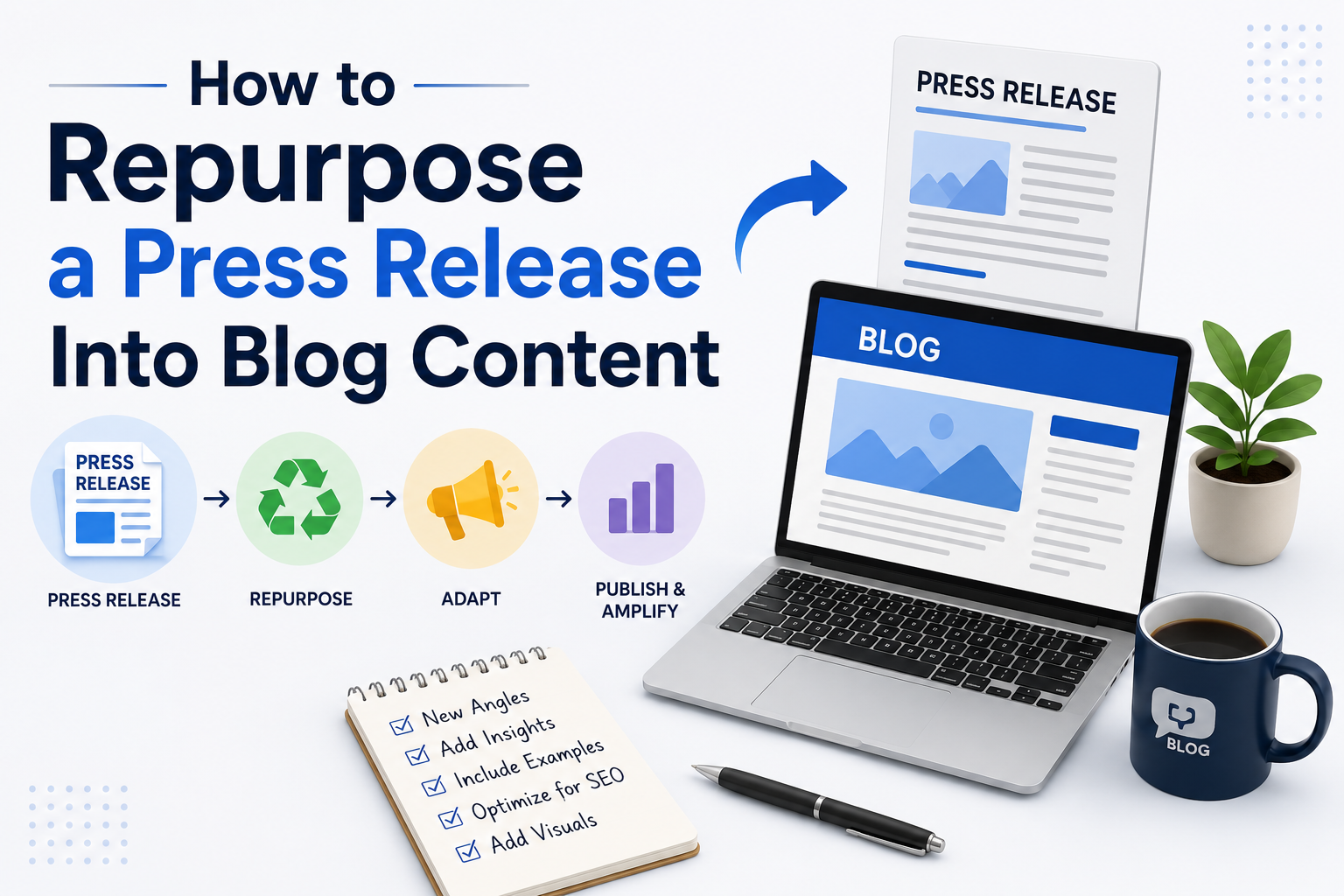
A press release is designed to announce news, while a blog post is created to educate, engage, and attract readers. Many businesses publish a press release and then move on to the next campaign, missing an opportunity to maximize the value of the content they have already created. By repurposing a press release into a blog article, you can improve search visibility, provide more context for your audience, and extend the lifespan of your announcement.
Instead of letting your press release fade after publication, you can transform it into informative content that continues to generate traffic, build authority, and support your overall content marketing strategy.
In this guide, you’ll learn how to turn any press release into a compelling blog post that offers real value to readers while strengthening your online presence.
Why Repurpose a Press Release?
Press releases are typically written for journalists and media outlets. They focus on delivering factual information in a concise format. Blog posts, on the other hand, are written for your target audience and allow you to explain topics in greater detail.
Repurposing your press release offers several advantages:
- Extends the life of your announcement
- Increases organic website traffic
- Improves keyword rankings
- Provides valuable educational content
- Builds brand authority
- Generates additional social media content
- Encourages backlinks and shares
- Supports long term content marketing goals
Rather than creating new content from scratch, you make better use of the information you already have.
Understand the Difference Between a Press Release and a Blog Post
Before rewriting your content, it’s important to understand the purpose of each format.
Press Release
A press release is:
- News focused
- Objective in tone
- Short and factual
- Written primarily for journalists
- Structured with a headline, dateline, and official statements
Blog Post
A blog article is:
- Educational or informative
- Conversational and reader friendly
- Optimized for search engines
- More detailed and engaging
- Designed to answer questions and solve problems
Recognizing these differences helps you avoid simply copying and pasting the press release onto your blog.
Start With the Core Story
Every press release contains a central message. Identify the main story before expanding it.
Ask yourself:
- What is the announcement about?
- Why should customers care?
- What problem does it solve?
- What impact does it have?
- What additional information can readers benefit from?
The blog should focus on helping readers understand the significance of the announcement rather than simply repeating it.
Rewrite the Headline
Press release headlines are often formal and news oriented.
Instead of:
ABC Company Announces Launch of New AI Customer Support Platform
Consider a blog title like:
- How AI Customer Support Can Improve Customer Experience
- Why Our New AI Platform Makes Customer Service Faster
- Everything You Need to Know About Our Latest AI Solution
A blog headline should encourage clicks while clearly communicating the topic.
Expand the Introduction
A press release introduction summarizes the news in one or two paragraphs.
A blog introduction should:
- Introduce the topic naturally
- Explain why it matters
- Highlight the challenge readers face
- Preview what they’ll learn
This immediately creates more value for readers and encourages them to continue reading.
Add Background Information
Press releases are intentionally brief.
Your blog should provide additional context by explaining:
- Industry trends
- Customer challenges
- Market demand
- Previous solutions
- Why the announcement matters now
This transforms a simple announcement into educational content.
Explain the Benefits Instead of Just the Features
Many press releases focus on product features.
A blog should explain how those features improve the reader’s experience.
Instead of writing:
“Our software includes automated reporting.”
Expand it to:
“Automated reporting eliminates repetitive manual work, reduces errors, and gives teams access to real time insights that support faster business decisions.”
Readers are more interested in outcomes than technical specifications.
Include Real Examples
One of the biggest advantages of a blog is the ability to tell stories.
You can include:
- Customer success stories
- Practical use cases
- Industry examples
- Before and after scenarios
- Lessons learned
Examples make the content more relatable and easier to understand.
Add Expert Insights
Use your press release as the starting point, then expand with expert commentary.
Discuss:
- Why the development is important
- Industry challenges
- Future opportunities
- Best practices
- Common misconceptions
Thought leadership helps establish your business as a trusted source of information.
Optimize for Search Engines
Unlike press releases, blog articles should target relevant search terms naturally throughout the content.
Focus on:
- Primary keyword in the title
- Keyword in headings
- Descriptive subheadings
- Internal links
- External references where appropriate
- Meta description
- Image alt text
Avoid keyword stuffing. Write naturally while keeping search intent in mind.
Break the Content Into Sections
Large blocks of text reduce readability.
Organize your article using headings such as:
The Challenge
Explain the problem.
The Solution
Introduce your announcement.
Key Benefits
Describe the value.
Real World Applications
Show practical examples.
What’s Next
Discuss future developments.
This structure improves both user experience and search performance.
Add Visual Content
Visuals make blog posts more engaging than standard press releases.
Consider including:
- Infographics
- Product screenshots
- Charts
- Team photos
- Process diagrams
- Customer images
- Behind the scenes content
Images also increase the likelihood of readers sharing your content.
Include Relevant Statistics
Supporting your article with data increases credibility.
Examples include:
- Industry growth figures
- Market research
- Customer survey results
- Performance improvements
- Adoption trends
Always ensure statistics come from reliable and up to date sources.
Answer Common Questions
Readers often have questions after reading an announcement.
Include answers such as:
- Why was this product created?
- Who benefits from it?
- How does it compare to alternatives?
- When is it available?
- What happens next?
Addressing these questions makes the article more comprehensive.
Add Internal Links
Guide readers toward additional resources on your website.
Link to:
- Product pages
- Service pages
- Related blog posts
- Case studies
- Contact page
- Company information
Internal linking improves navigation and helps search engines understand your website structure.
Include a Strong Call to Action
Every blog should encourage readers to take the next step.
Examples include:
- Learn more about our services
- Download our guide
- Request a demo
- Contact our team
- Subscribe to our newsletter
- Read related articles
A clear call to action helps convert readers into potential customers.
Promote the Blog Across Multiple Channels
Publishing is only the beginning.
Share your blog through:
- Social media
- Email newsletters
- LinkedIn posts
- Community forums
- Industry groups
- Business directories
- Partner websites
Repurposing continues beyond the blog itself, allowing one announcement to support multiple marketing activities.
Common Mistakes to Avoid
Many businesses reduce the effectiveness of their blog by making avoidable mistakes.
Avoid:
- Copying the press release word for word
- Writing in a corporate tone
- Focusing only on company achievements
- Ignoring reader questions
- Using overly promotional language
- Publishing without optimizing for search
- Forgetting internal links
- Skipping visuals
- Leaving out examples
- Not updating older content
The goal is to create a resource that readers genuinely find useful.
Simple Workflow for Repurposing a Press Release
A practical workflow can save time while improving content quality.
- Identify the main announcement.
- Choose a keyword focused blog title.
- Rewrite the introduction.
- Add industry background.
- Expand on the benefits.
- Include examples and expert insights.
- Organize with clear headings.
- Add visuals and internal links.
- Include a call to action.
- Promote the finished article across multiple platforms.
Following this process allows one press release to become a high value blog that continues attracting readers long after the original news is published.
Final Thoughts
A press release should not be treated as a one time announcement. With thoughtful repurposing, it can become a detailed blog post that educates readers, improves search visibility, and reinforces your brand authority. By expanding the story, answering audience questions, adding practical examples, and optimizing the content for search engines, you create an asset that delivers ongoing value long after the initial news cycle ends.
Instead of creating entirely new content for every campaign, make the most of your existing announcements. Repurposing press releases into engaging blog posts is an efficient way to strengthen your content strategy, reach a wider audience, and maximize the return on every piece of news your business shares.
Frequently Asked Questions
1. Why should I turn a press release into a blog post?
Repurposing a press release into a blog post extends its lifespan, improves search visibility, attracts organic traffic, and provides readers with more detailed and valuable information than a traditional news announcement.
2. Can I copy my press release directly into my blog?
No. A blog should expand on the announcement with additional insights, examples, background information, and practical value instead of simply repeating the original press release.
3. How long should a blog based on a press release be?
While press releases are usually between 400 and 800 words, a blog post typically performs better when it provides more depth, often ranging from 1,200 to 2,000 words depending on the topic.
4. What should I add to make the blog more engaging?
Include industry trends, customer benefits, expert opinions, use cases, visuals, FAQs, statistics, and actionable advice that helps readers understand the importance of your announcement.
5. Is repurposing content good for SEO?
Yes. A well optimized blog can target relevant keywords, answer user intent, earn backlinks, and generate organic traffic, making it much more effective for long term search performance than a standalone press release.
6. Should I include the original press release in the blog?
You can reference key information from the press release, but it is better to rewrite and expand the content to create a unique, reader focused article.
7. How often should I repurpose press releases?
Whenever you publish a newsworthy press release, consider turning it into one or more blog posts, social media updates, email newsletters, videos, or infographics to maximize its reach and value.
8. What types of press releases work best for blog content?
Product launches, partnerships, funding announcements, company milestones, research reports, event announcements, awards, and major business updates are all excellent candidates for blog repurposing.
9. Can repurposed blog content generate leads?
Yes. By adding valuable information, internal links, and a clear call to action, your blog can encourage readers to explore your products or services, subscribe to updates, or contact your business.
10. What is the biggest mistake when repurposing a press release?
The biggest mistake is treating the blog as a duplicate of the press release. Successful repurposing involves expanding the story, providing useful context, and creating content that serves the needs of your audience rather than simply announcing company news.